
Standard and Fort board formats
Create original maps compatible with Advanced Squad Leader
HexDraw 2 provides blank Standard and Fort templates for Advanced Squad Leader. After choosing a format, you can begin an original ASL map with its board geometry and numbering already prepared.
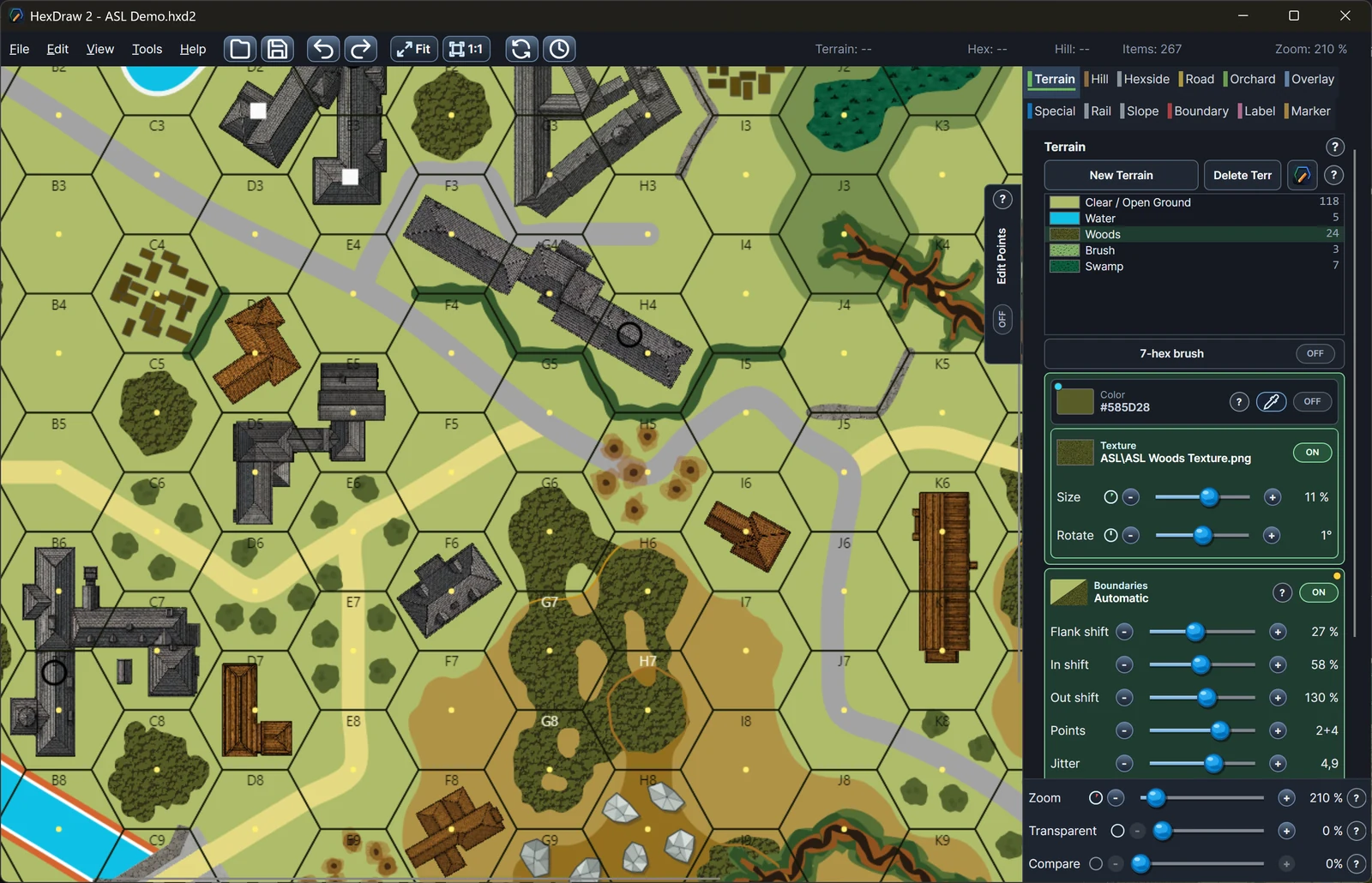
Ready to draw
What the blank templates preconfigure
The Standard and Fort presets establish the map dimensions, flat-top hex layout, geomorphic structure, map edges, and hex numbering expected by their respective board formats. You begin with a clean board rather than rebuilding the technical framework.
- Standard blank board template
- Fort blank board template
- Predefined dimensions and grid pitch
- Geomorphic edges and numbering
Map characteristics
Geomorphic tactical boards built to connect
ASL boards use compact tactical terrain and carefully coordinated edges so separate boards can join. Roads, woods, buildings, water, hills, and other terrain must remain readable at the hex level while fitting the selected geomorphic structure.
HexDraw 2 also supports VASL board package export. LOS data is not included.
Relevant tools
Build terrain and features around the hex grid
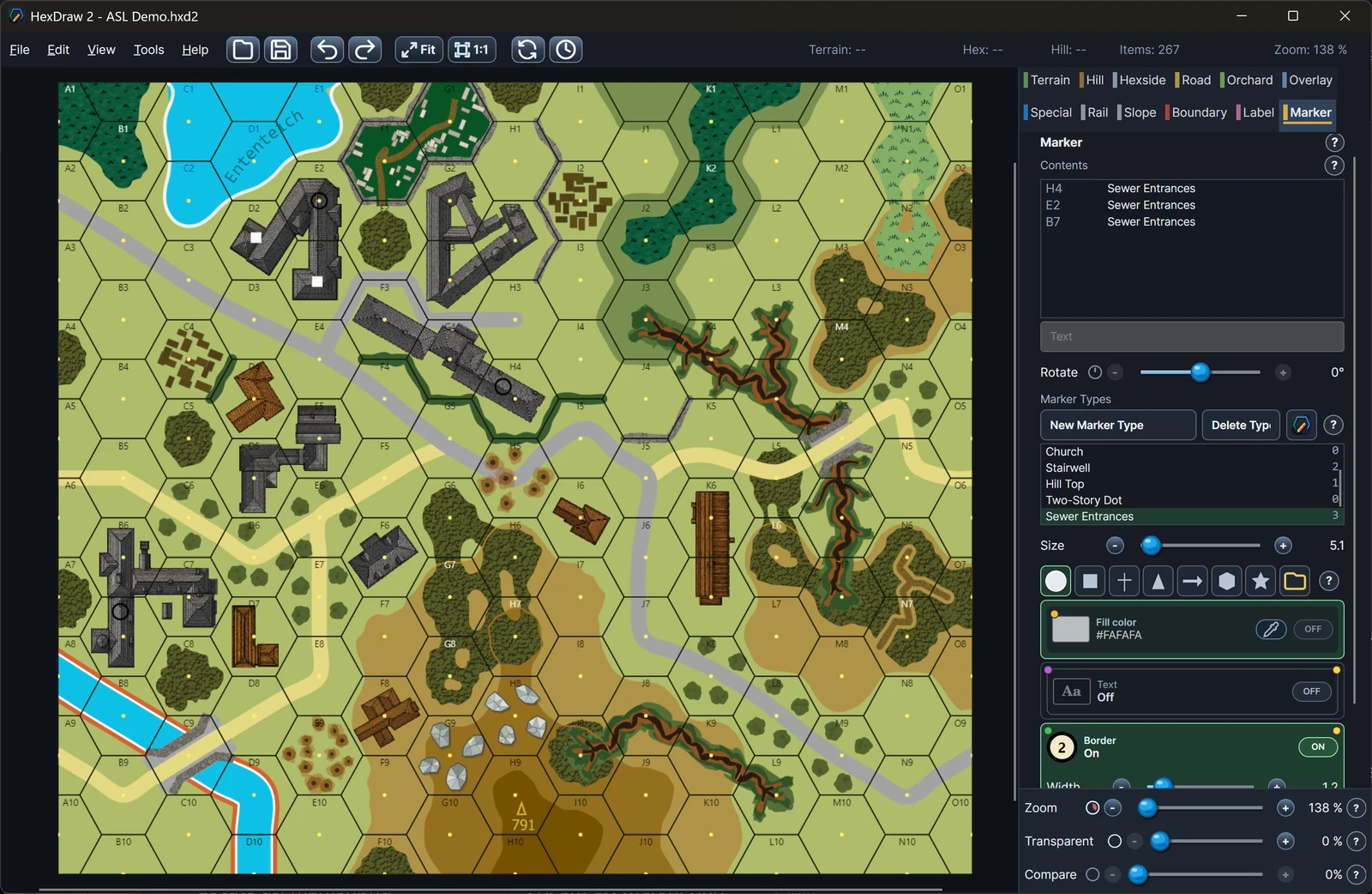
Paint connected terrain and elevation, draw roads and hexside features, place and transform buildings, add labels and markers, and inspect the numbered board as you work. Custom PNG and SVG artwork can be stored with the map when a project needs its own visual language.
- Terrain, hills, and water
- Road and hexside geometry
- Buildings, overlays, and markers
- Print, PNG, PDF, and VASL export
Template details
Standard, Fort, and numbered-board views
Your map, your settings
Every preset remains editable
A template is a starting point, not a restriction. You can still change dimensions, hex size, numbering, map edges, terrain definitions, tools, artwork, and output settings for an original project.
Return to all HexDraw map templatesHexDraw 2 is an independent product and is not affiliated with, sponsored by, endorsed by, or approved by the publishers or rights holders of the games and series referenced on this page. Product and series names are used solely to describe compatible map formats and possible applications.